
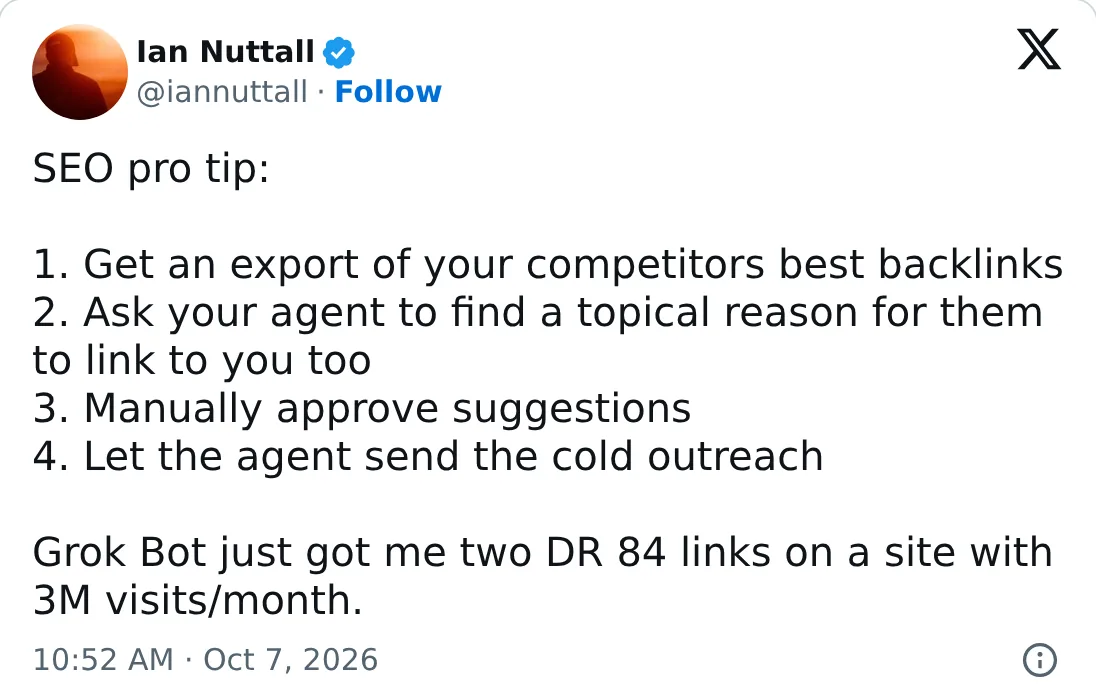
I don’t often send cold outreach for links any more, but I’ve had good success with it, and a personal agent can now do much of the work. In October 2026 I gave Grok Bot an export of my competitors’ best backlinks, and it got me two links from one site with a Domain Rating by Ahrefs of 84 and an estimated 3 million visits a month. It sent every email from my own Gmail account, through its Gmail connection.
Grok Bot isn’t special here. Other personal agents that can read the web and send email, such as OpenAI’s dots, Meta Muse, Claude Duet, OpenClaw or Hermes, should manage the same steps, though some are only available in a few countries.
Make a page worth linking to before you email anyone
Most cold outreach fails because the page it pitches isn’t worth a link. If your page is no better than what the site already links to, an agent will just send more emails that get ignored.
Be honest with yourself here. Your own tool, data or guide has to be something you’d link to if it were someone else’s.
Find the sites that link to your competitors and not you
Start with the sites that already link to sites like yours. A site that links to two of your competitors has shown it will link to sites like yours, though not always to the kind of page you’d pitch:
Ask your agent
Or in a terminal
First time? Connect SEO Skill to your agent, free
Run it in a terminal, then sign in with Google.
This uses your own DataForSEO or Ahrefs key, with one backlinks call for your site and one for each competitor. It reads each site’s top 1,000 referring domains, so smaller sites that link to your competitors can be missing. For one competitor, ask for its referring domains instead with seo research backlinks --target example.org.
Sites that already mention you without a link are an easier ask. My post on unlinked brand mentions covers those.
Have your agent find a reason for each site to link to you
The list gives you sites, not pages. So first have your agent find the pages on each site that link to your competitors, with a site: search for each competitor’s name or a backlinks export from Ahrefs.
Then have it read those pages. I’m looking for a reason to email each site, and just as hard for a reason not to:
Ask your agent
Add one rule of your own: have the agent quote the exact paragraph where your link would fit, and skip any site where it can’t. That’s the strictest test here. If no paragraph is better with your link in it, the site has no reason to add it.
Skip any site that obviously sells links or offers sponsored posts. Its links look bought whether yours is or not, and an obviously bought link is the one thing to avoid here.
That doesn’t make every paid link a mistake. I do things for the people who’ll read the page, not for Google, and a paid placement on a site whose readers would click through to you can be worth it for the traffic alone. Google’s spam policies count “exchanging money for links, or posts that contain links” as link spam unless the link is marked sponsored or nofollow, and Bing’s guidelines name “link buying” too. So if you pay, judge it by the visits it sends.
AI answers are different again. A mention on a page ChatGPT already cites can get you named in its answers, which my post on getting onto the lists ChatGPT cites covers.
Approve every suggestion before your agent sends anything
Have the agent draft one short email per site, then read each one yourself. A good pitch names the page and the paragraph, says what the reader gets from your link, and stops there. Don’t offer a guest post or a link back, and don’t ask for anchor text or a followed link.
Only then let the agent send them, from your own email account. You can send a lot as long as every email is unique, accurate and about that site. If someone doesn’t reply, one follow-up a few days later is fine. Stop at the first no. Cold email has legal rules in some countries, such as PECR and GDPR in the UK and EU, so check the ones that apply to you before you send any.
Google’s spam policies also list “using automated programs or services to create links to your site” as link spam. I read that as tools that place links themselves, such as an agent posting into comments, forums or directories. An email a person reads and decides on is a different thing, but Google hasn’t drawn that line.
Give sites something new to link to
The easiest pitch is a page nobody else has. Combining your own data into an up-to-date report or dashboard with a new angle gives a site a reason to link that a generic guide rarely does.
That’s where I’d point an agent next. Have it build the report from your data, then pitch it to the sites that already link to reports like it.
What to expect from agent outreach
I can’t give you a reply rate that would hold for your site, because it depends almost entirely on whether your page is worth linking to. Send fewer, better emails, and treat each one as a request a person can say no to.